

Latest Version
Yu-weiz
Design
Windows
Free
9wzdncrfj1lg
Report a Problem
More About Sketch Board
The Challenge of Boundless Creativity on Digital Canvases
Whether you are brainstorming a new layout, sketching a quick diagram, or mapping out a complex workflow, traditional digital drawing tools often restrict your progress with rigid borders and pixelated scaling. The Sketch Board vector drawing tool addresses this exact pain point by providing an expansive, unrestricted environment designed specifically for Windows users who need absolute freedom in their creative process.
What is the Sketch Board Vector Drawing Tool?
Developed by Yu-weiz, Sketch Board is a dedicated Windows application built on the Universal Windows Platform (UWP) to ensure a secure, lightweight, and highly responsive user experience. It serves as a digital whiteboard and vector-based illustration suite, catering to professionals, students, and designers who require a reliable space for visual note-taking and high-resolution drafting.
Infinite Canvas and Vector Precision
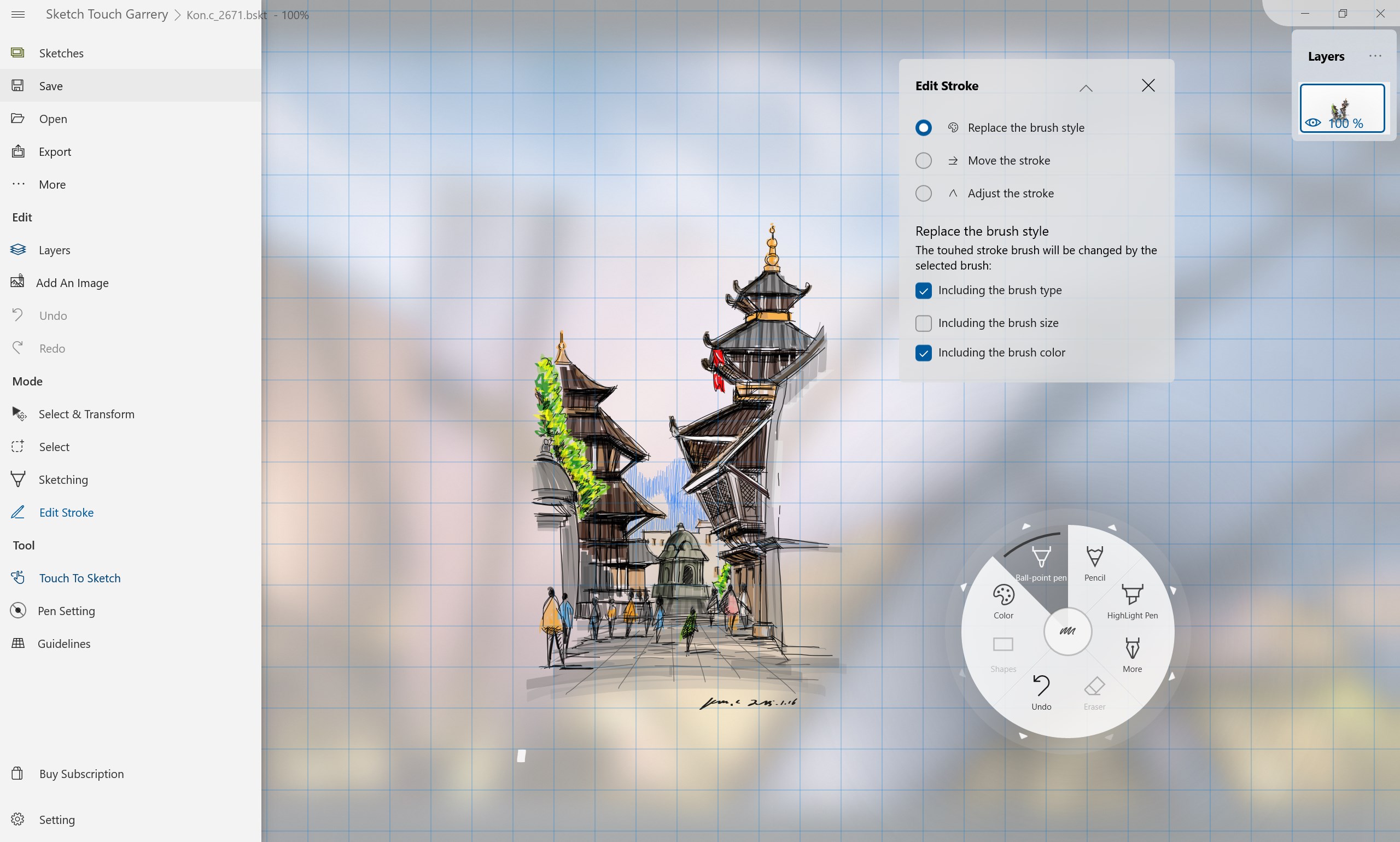
At the core of the Sketch Board vector drawing tool is its infinite canvas. Unlike standard painting apps that lock you into predefined dimensions, this software allows you to start drawing from any point and expand your project infinitely in any direction. Because the engine utilizes vector stroke technology, you can zoom in or out without experiencing any pixelation or loss of detail. This ensures that fine technical annotations remain perfectly sharp alongside broad artistic brushstrokes.
Advanced Creative Features and Customization
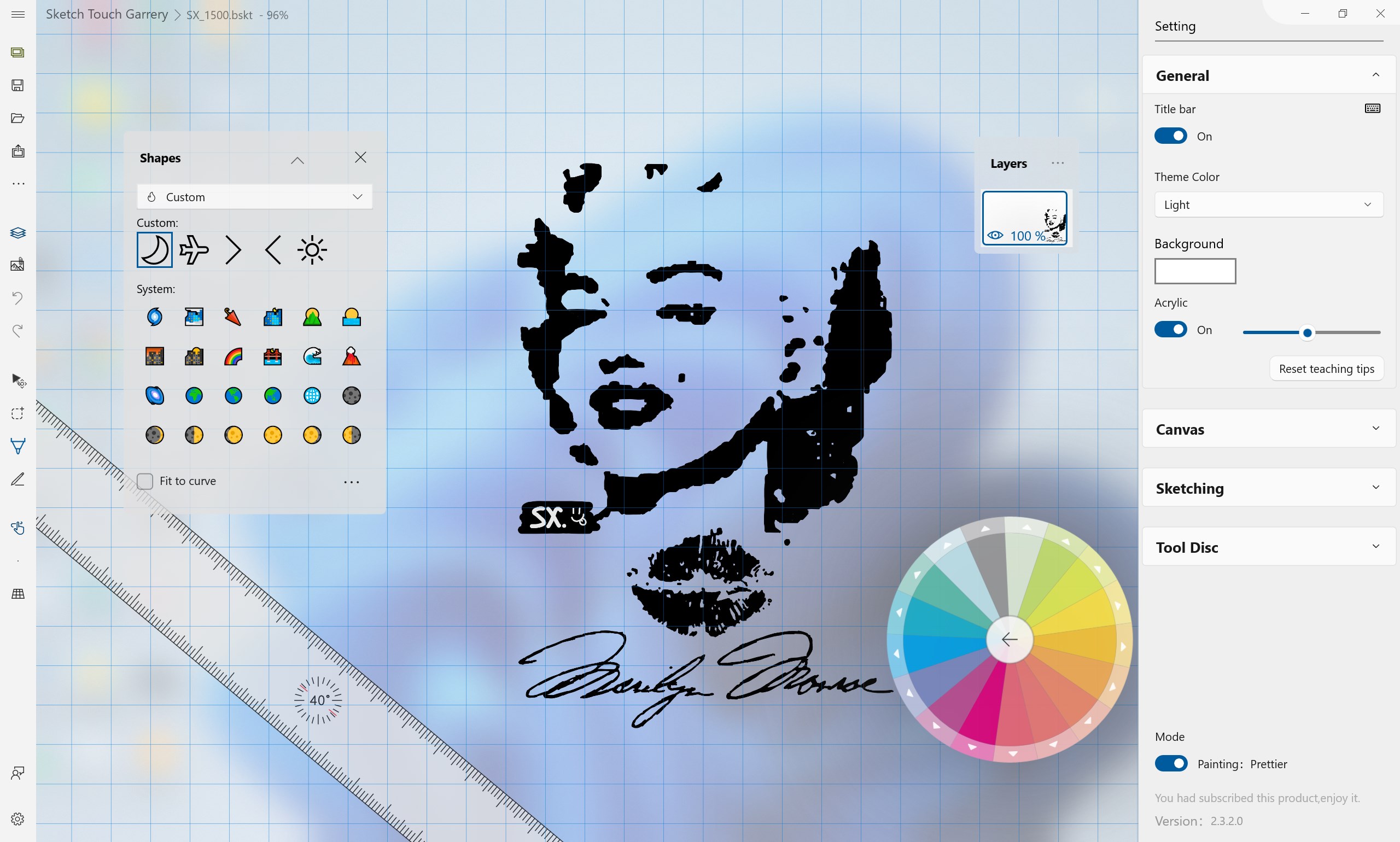
- Dual Operating Modes: Choose between Writing Mode for rapid, responsive note-taking, and Painting Mode for more colorful, expressive designs.
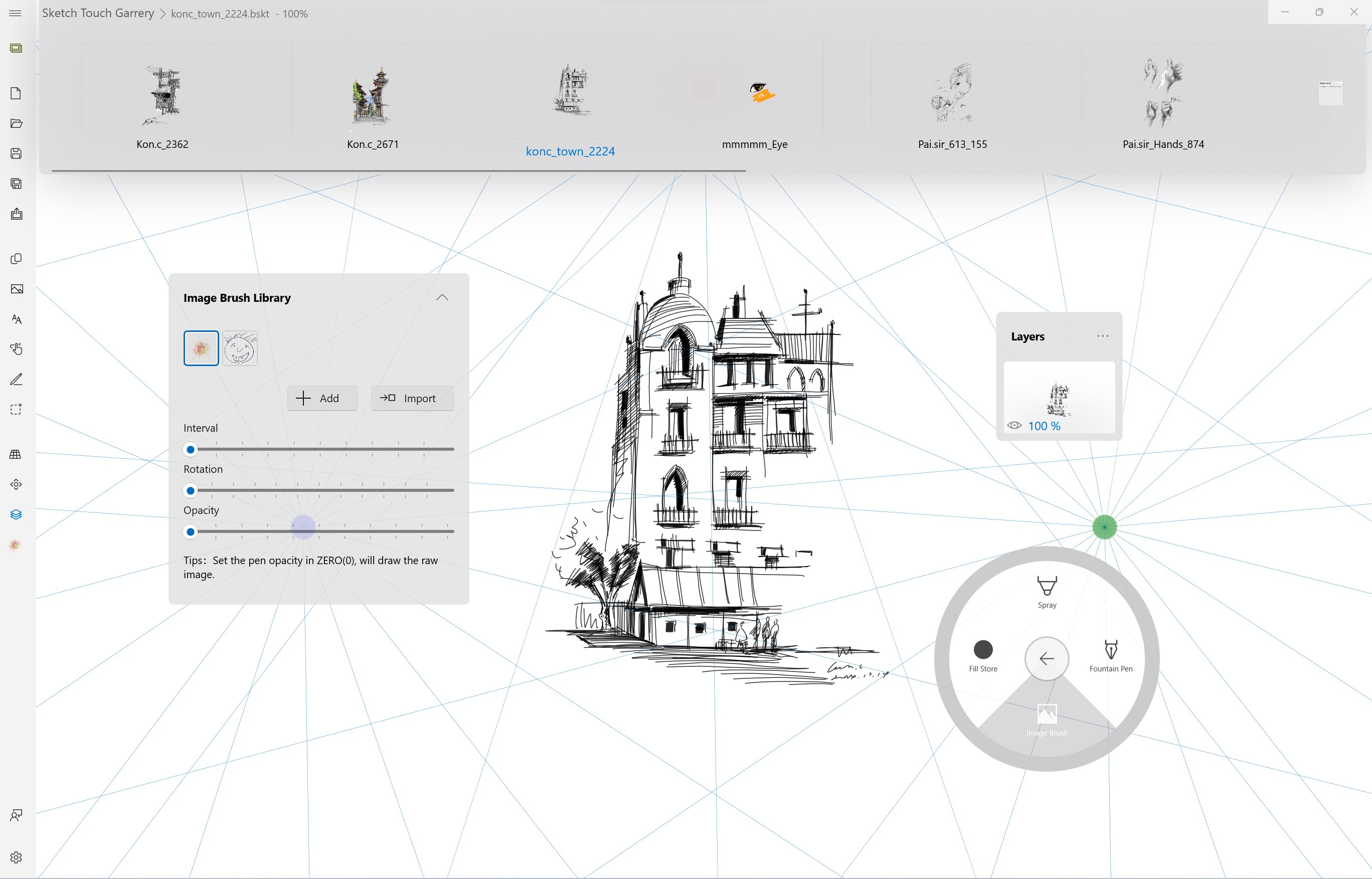
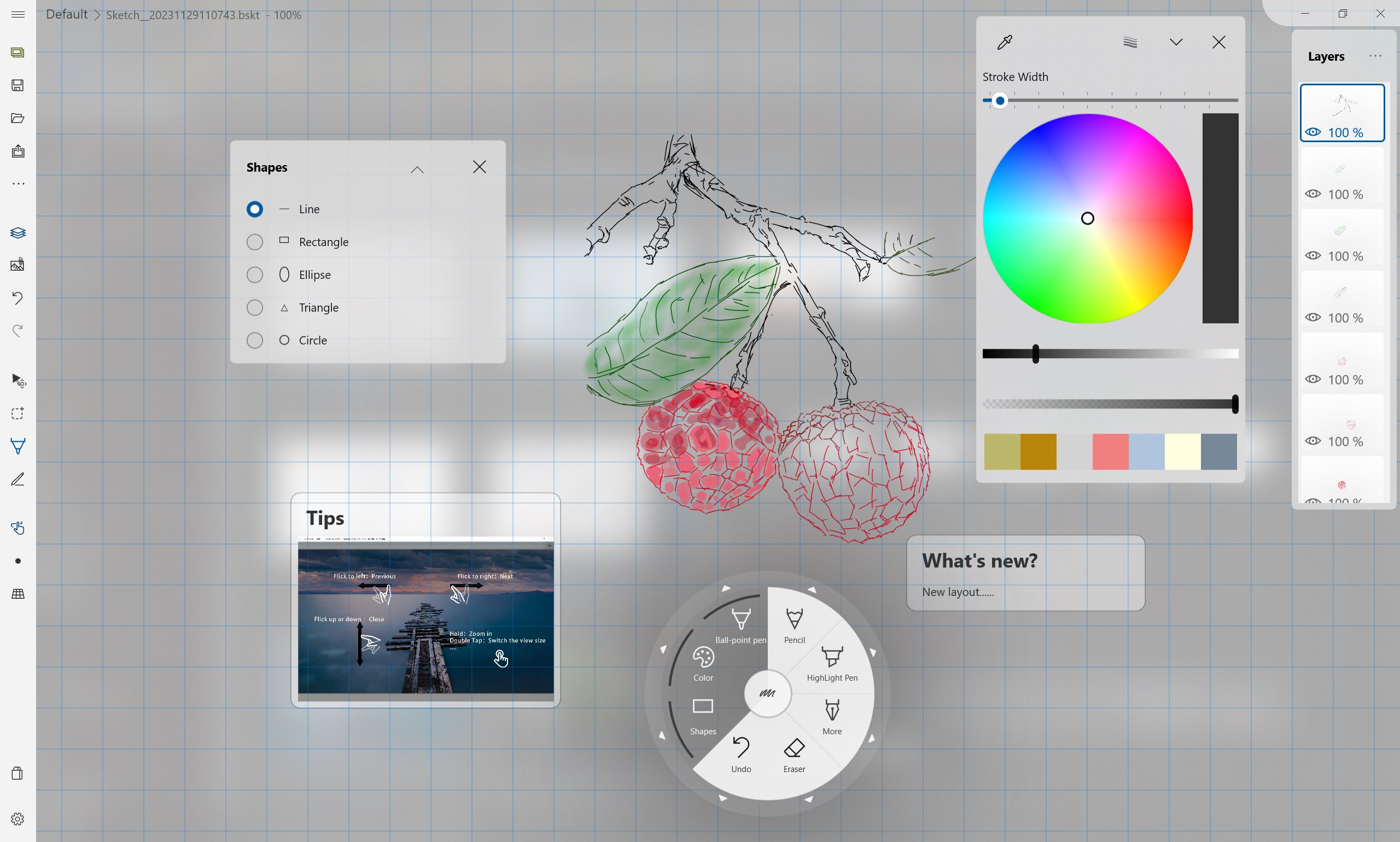
- Dynamic Brush Engine: Access a versatile selection of tools, including ballpoint pens, pencils, highlighters, airbrushes, and custom image brushes.
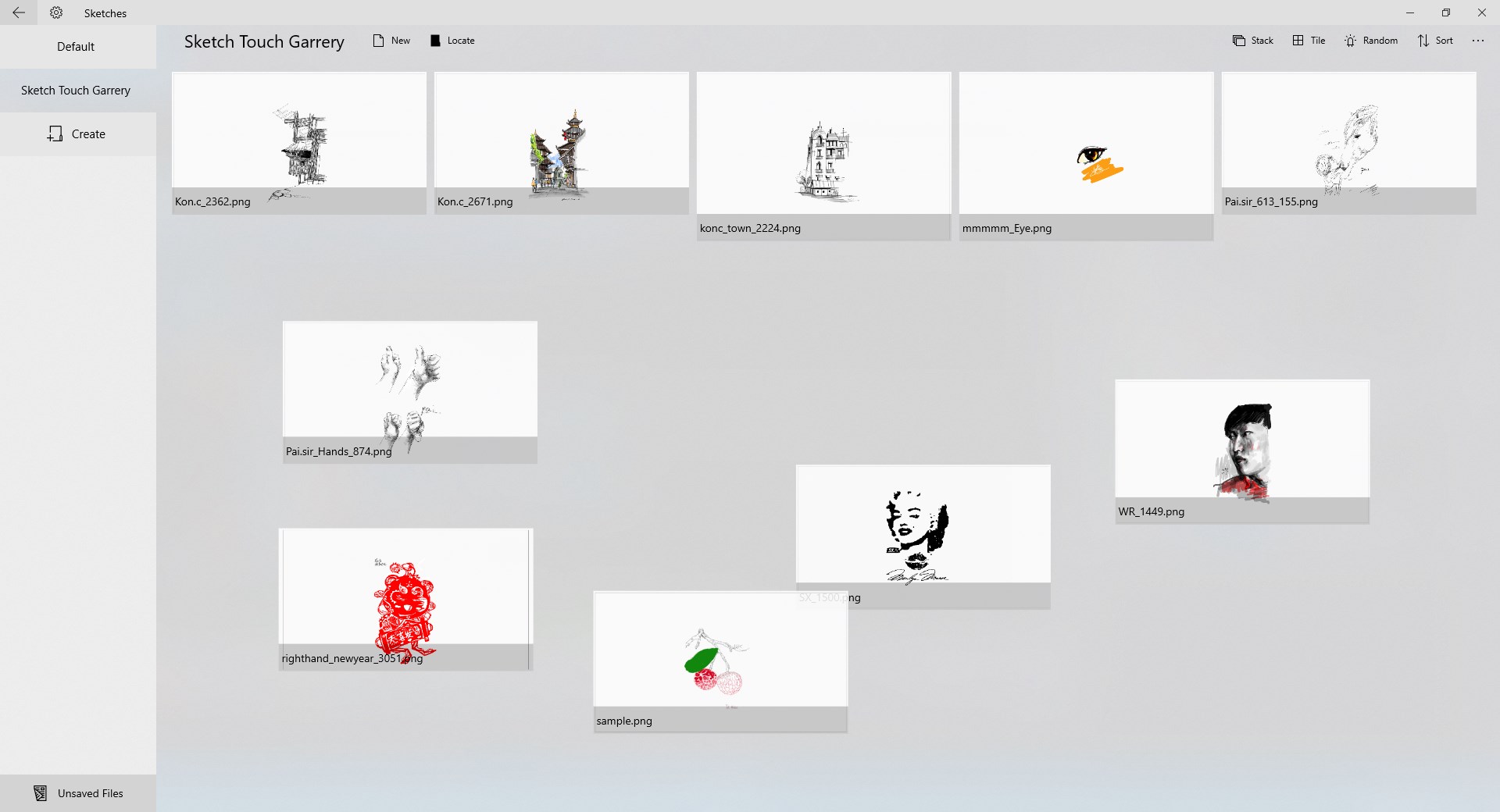
- Robust Layer System: Organize complex illustrations by adding, merging, copying, and exporting unlimited canvas layers.
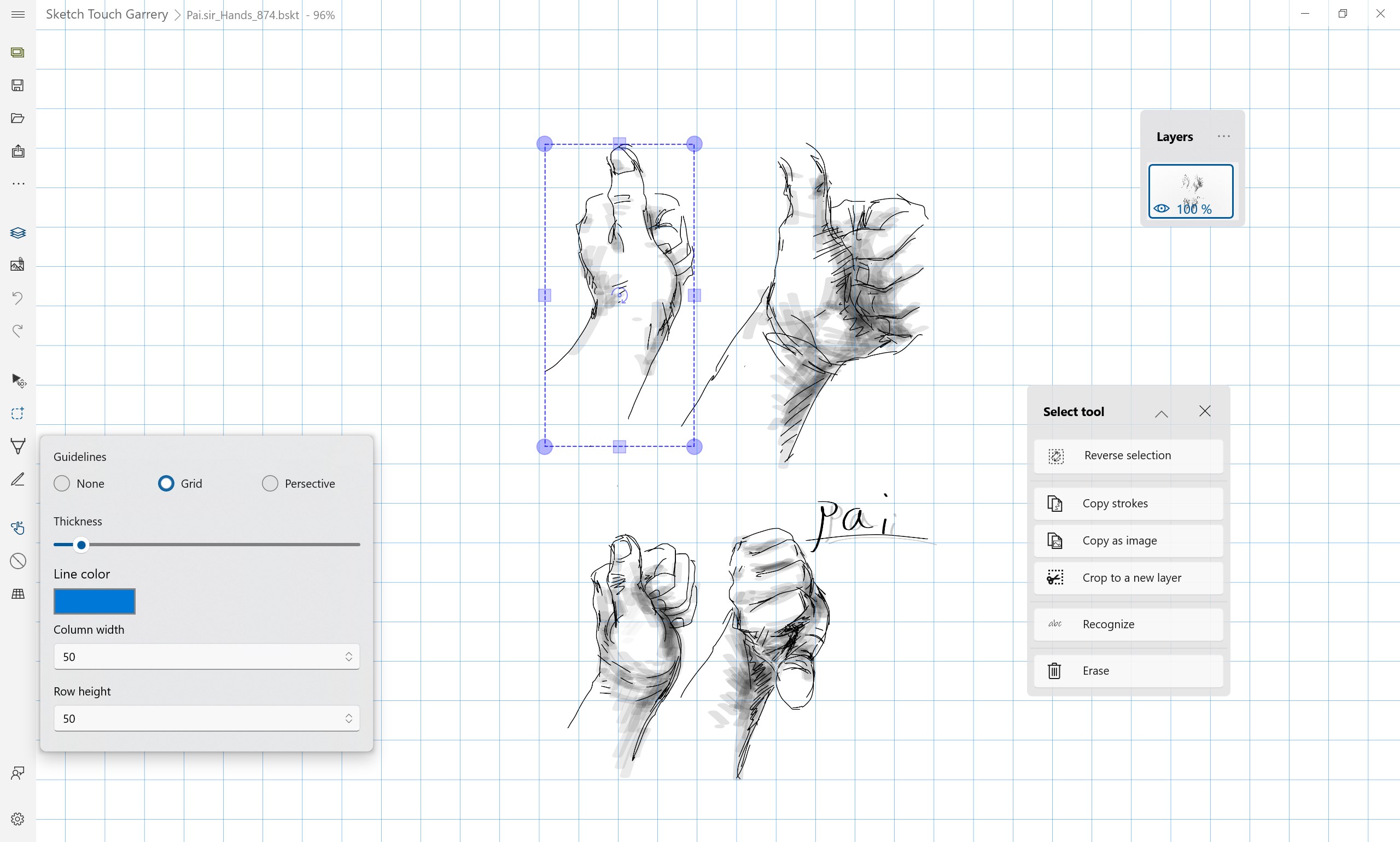
- Precision Auxiliary Lines: Utilize adjustable grids and perspective guidelines to maintain correct proportions and professional layouts.
- Rich Media Annotations: Enhance your drawings by embedding external attachments, including images, text boxes, and web links directly onto the canvas.
Who is This Tool For?
The Sketch Board vector drawing tool is exceptionally well-suited for design professionals, project managers, and educators who regularly need to present ideas visually. Its ability to import and export PDF files also makes it an excellent choice for reviewing architectural drafts, marking up documents, or compiling design portfolios into a single, clean document.
How to Get Started
If you are looking for a secure, UWP-native application that combines the spontaneity of a physical sketchbook with the power of vector graphics, this software is highly worth considering. To experience its infinite workspace and advanced brush tools firsthand, head over to the official Microsoft App Store to download the application for your Windows device.
Rate the App
User Reviews












Popular Apps










Editor's Choice