Latest Version
devel0per
Design
Windows
Free
9nvx1mm0gblq
Report a Problem
More About Coloring Book - Harmony
A New Approach to Digital Art on Windows
Finding a genuine moment of quiet in a busy digital world can be challenging. The Coloring Book - Harmony digital art app offers a dedicated workspace on Windows designed to help you decompress through creative expression. Whether you want to pass a quiet evening or find a focused creative outlet, this application transforms your PC screen into a highly responsive, interactive canvas. Developed by devel0per, it bridges the gap between casual paint tools and advanced illustration software.
What You Can Do with Coloring Book - Harmony
Unlike basic digital coloring options that rely solely on flat color fills, the Coloring Book - Harmony digital art app provides a rich suite of interactive features that simulate real-world physical media. Here is what you can expect when starting your first canvas:
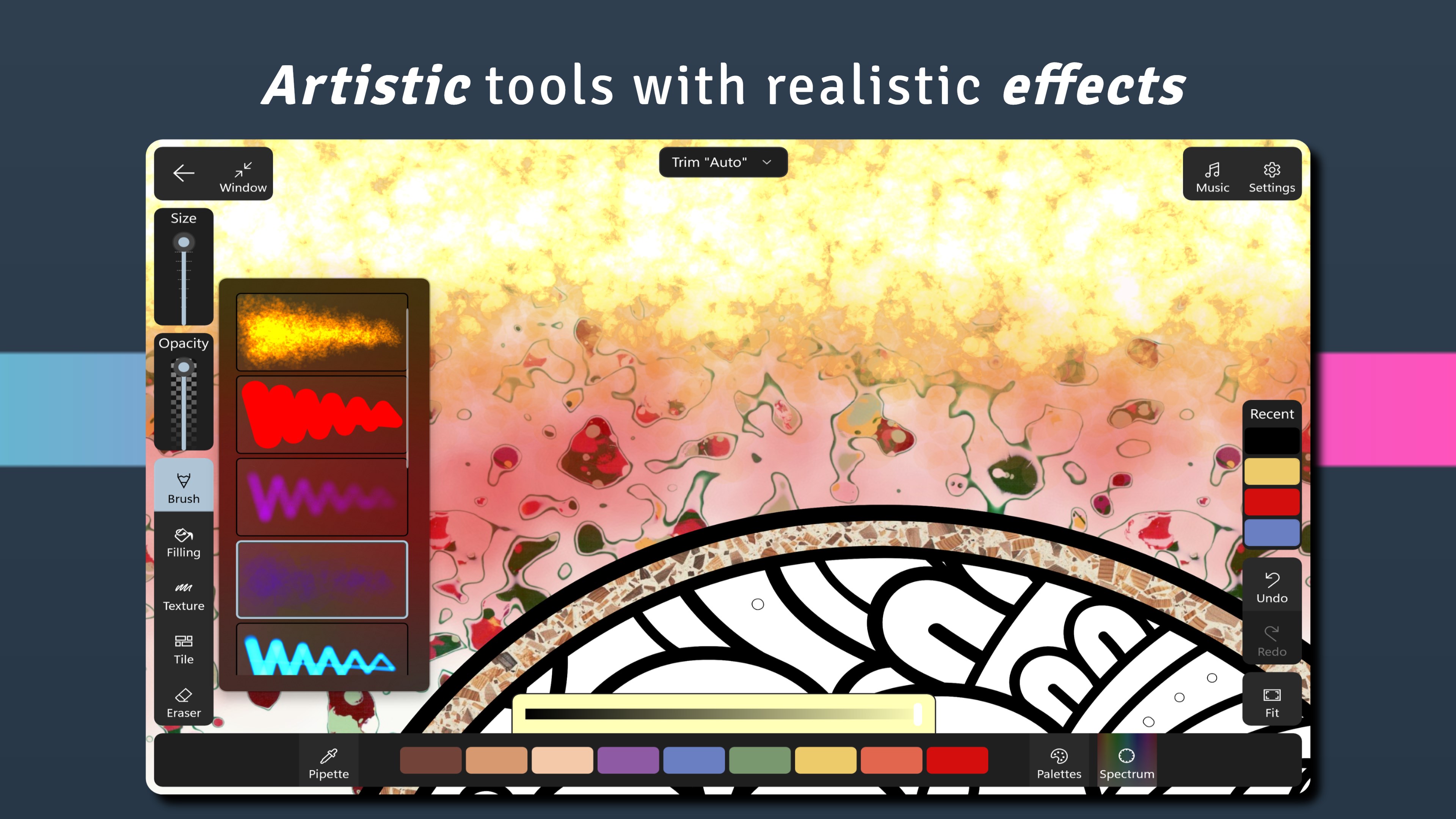
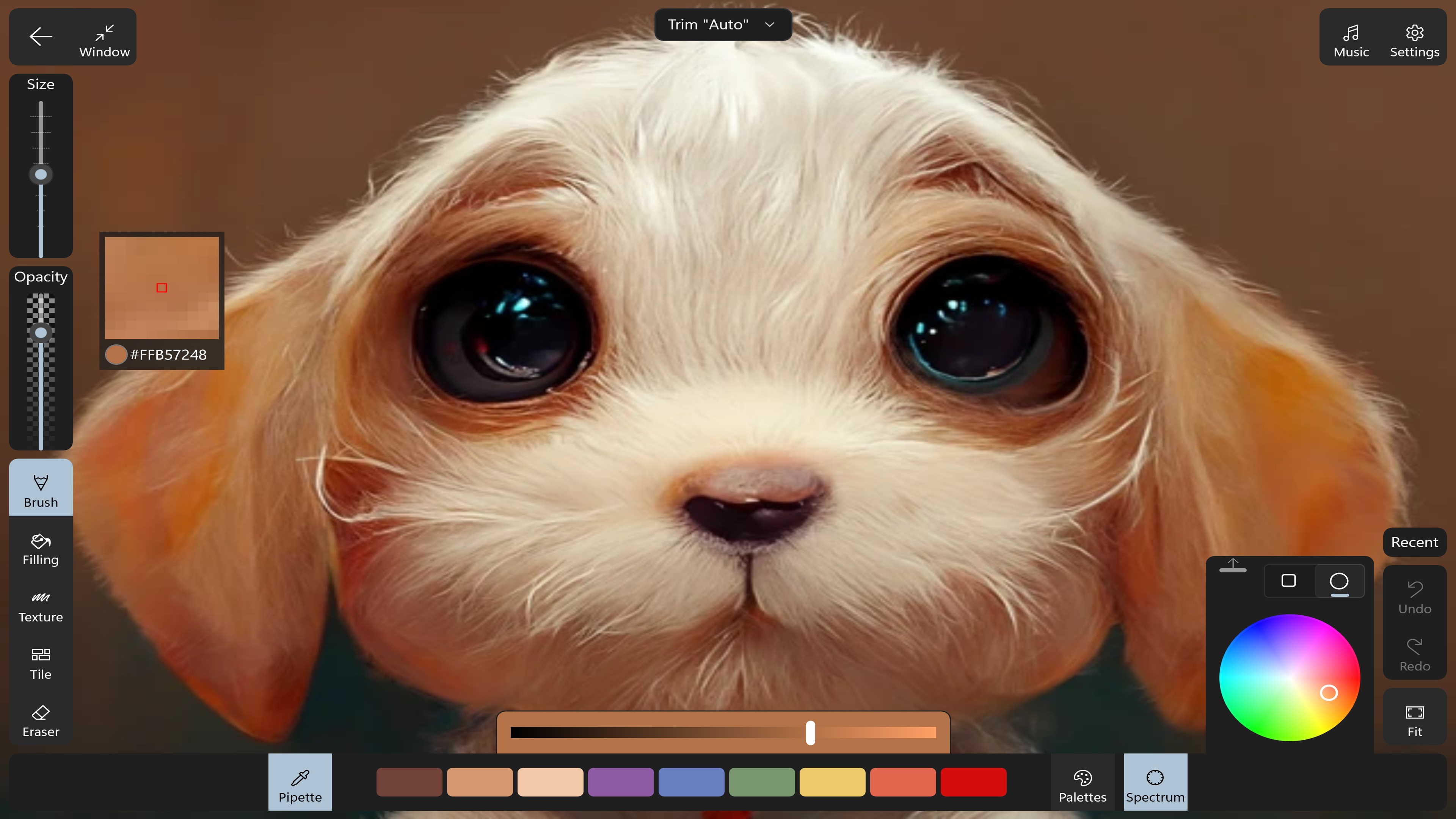
- Work with Diverse Media: Experiment with realistic watercolor washes, textured colored pencils, soft pastels, and even glitter brushes to give your artwork tactile depth.
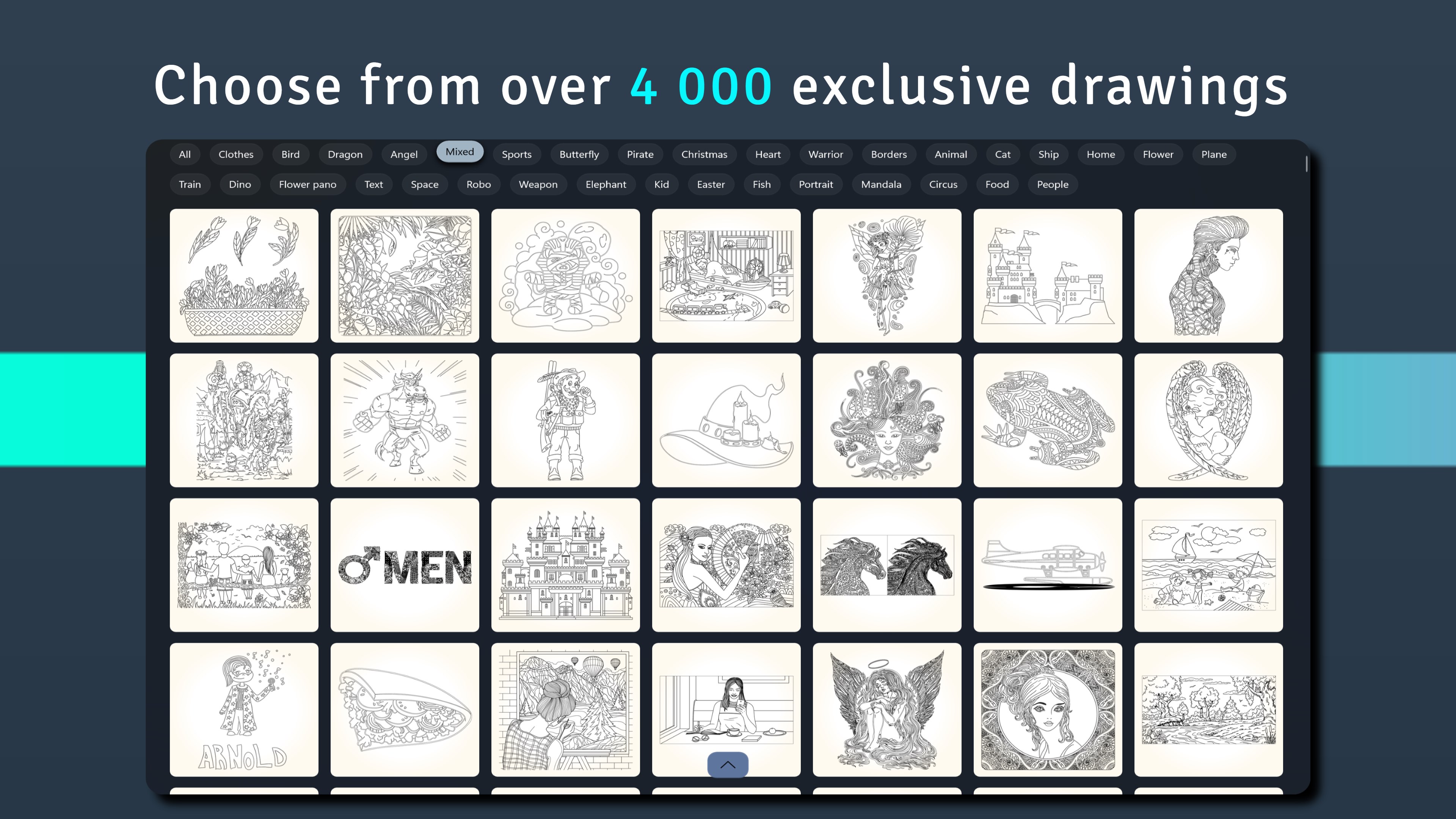
- Explore Large Galleries: Access an extensive library of over a thousand hand-crafted illustrations, ranging from complex geometric mandalas and serene nature scenes to fantasy landscapes.
- Non-Destructive Editing: Edit your stroke history on the fly. If you want to alter a stroke made several steps back, you can adjust it individually without resetting your progress.
- Record Your Process: Export high-quality time-lapse videos or animated GIFs of your coloring process to see your creation come together stroke by stroke.
Optimized for Stylus and Touch Input
For users working on hybrid devices like the Microsoft Surface, the Coloring Book - Harmony digital art app shines with its dedicated stylus integration. The application supports natural pressure sensitivity, allowing you to control line weight and blending gradients dynamically. If you prefer using a mouse or trackpad, the built-in stay-inside-the-lines mode ensures your work remains clean and precise, making it highly accessible for creators of all skill levels.
Is It Right for You?
This software caters beautifully to adults seeking a form of structured art therapy, as well as families looking for a clean, intuitive drawing tool. While the base application is free to download with a generous selection of starter pages and brushes, some premium design packs and advanced brushes are available via optional in-app purchases. If you are ready to turn your Windows device into a personal art studio, head over to the official Microsoft Store page to explore Coloring Book - Harmony.
Rate the App
User Reviews









Popular Apps










Editor's Choice