

Latest Version
Liam Sammy
Tools
iOS
Free
6449959578
Report a Problem
More About My Files - All File Manager
The Ultimate Solution for Mobile Organization
Managing a cluttered mobile device can be overwhelming, but My Files - All File Manager provides a clean, dual-pane desktop-style layout that simplifies how you interact with your digital data. Developed by Liam Sammy for the iOS platform, this robust utility app bridges the gap between local device storage and external cloud networks, making it an indispensable tool for power users who need structured access to their files.
Key Capabilities of My Files - All File Manager
Whether you are trying to clean up space or secure sensitive documents, this application offers a comprehensive suite of tools designed to streamline your workflow:
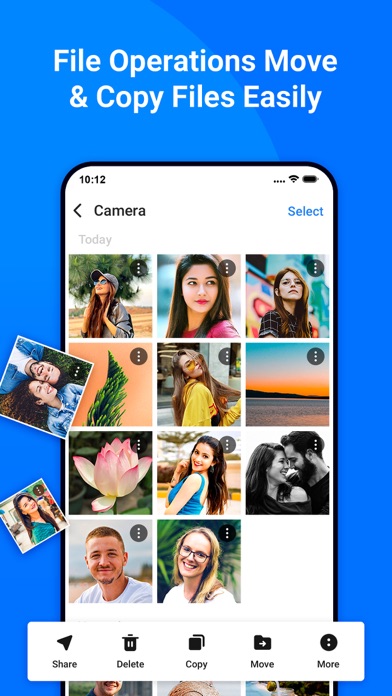
- Dual-Pane Navigation: Inspired by classic desktop file commanders, the dual-pane layout allows you to view two directories simultaneously, making file transfers as simple as dragging and dropping.
- Robust File Encryption: Protect your private data using strong AES encryption. Secure your folders with password or fingerprint confirmation to keep them unreadable by external applications.
- Cloud and Network Integration: Seamlessly link to major cloud storage providers like Google Drive, OneDrive, and Dropbox, or connect directly to your local PC via a built-in FTP server.
- Comprehensive Archive Support: Easily compress and extract standard archive formats, including ZIP, 7ZIP, RAR, and TAR files.
- Local Media Viewers: Preview photos, listen to music, and edit text documents directly inside the app without needing to launch third-party players.
Optimizing Your iOS Storage
While the app does not feature an automated storage analyzer, My Files - All File Manager empowers you to manually track down space-hogging files. By inspecting folder properties on your internal storage, you can view the exact percentage of space each folder occupies. Combined with an indexed search system and size-based filters, locating and managing large files becomes a quick and painless task.
Is This File Manager Right for You?
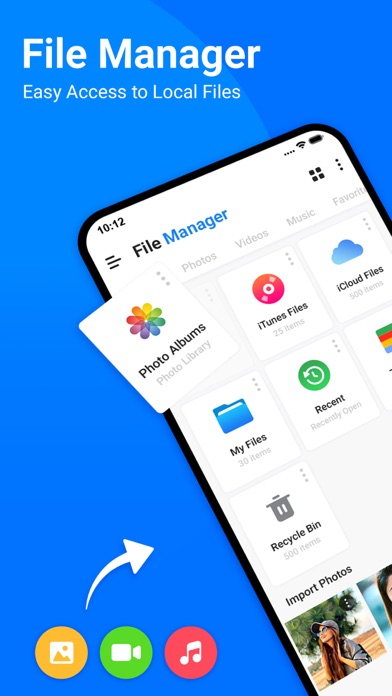
If you find the default iOS file management too restrictive, this app offers the advanced utility you need. With custom themes, batch renaming patterns, and organized collections (categorizing your files into Photos, Videos, Music, Documents, and Apps), it adapts to your personal organizational style. To experience this level of control firsthand, head over to the official App Store to check out My Files - All File Manager today.
Rate the App
User Reviews











Popular Apps










Editor's Choice